For everyone with a headset · Quest, Pico, PC-VR, Vision Pro

The VR Hub.Your own room.

You stand in a small cabin, the clips play on a screen in front of you, and everything you can do on the site — browse, buy, watch, tip, chat, watch together, go live — you do without taking the headset off. Here is the room, picture by picture.

8tabsDiscover, Live, For you, Shop, My Library, Watchlist, Continue, Creators
8Kin the dome — VR180, side by side
0apps to install — it is the headset browser
8languagesthe room speaks yours — and understands voice commands

Getting in

Nothing to install. The hub is a page in the headset's own browser; the browser asks once whether the page may enter VR.

Standalone headsets

Up to 8K

Meta Quest 2 · 3 · 3S · Pro, Pico

Put the headset on, open its browser, sign in to GuyScat once — the browser remembers you. Go to /vrfeed, press Enter VR. Every "Watch in VR" button on a clip page or a live page lands here too.
PC-VR

6K · 8K via DeoVR

Steam Frame, Index, Vive, Pimax, Quest on Link

Open the hub in Chrome or Edge on the PC while SteamVR runs. The room, the player, live streams and 2D clips work the same way; videos play up to 6K there. For full 8K press DeoVR in the bar under the screen — Chrome asks once "Open DeoVR?", choose Always allow.

No headset

Computer or phone

The same room opens as a 360° preview: drag to look around, click to select, mouse wheel for the next clip, Esc to go back. Flat, but the whole catalogue is there — and a phone in a cardboard holder turns it into real stereo.

Every device, every player →

Point and press

Point with either controller — a thin ray comes out of it. Whatever the ray touches lights up, and a small line under the screen tells you what it is.

Trigger

Presses what you point at

Buttons, cards, tabs, the dome bar, the keyboard. A second trigger on a price confirms a purchase — nothing is bought on one press.

Stick

Scrolls the cards, turns you

Left and right move through the row of clips; the stick also turns the room in steps so you never have to twist in your chair.

Hands and pinch

No controllers needed

Hand tracking works on the Quest; on the Vision Pro you look at a thing and pinch. The hub treats the pinch like a trigger.

Voice

"Open Shop", "8K", "15 seconds back"

Allow the microphone once; then tabs, playback, quality and volume answer to plain words in your language.

All the commands →

The room

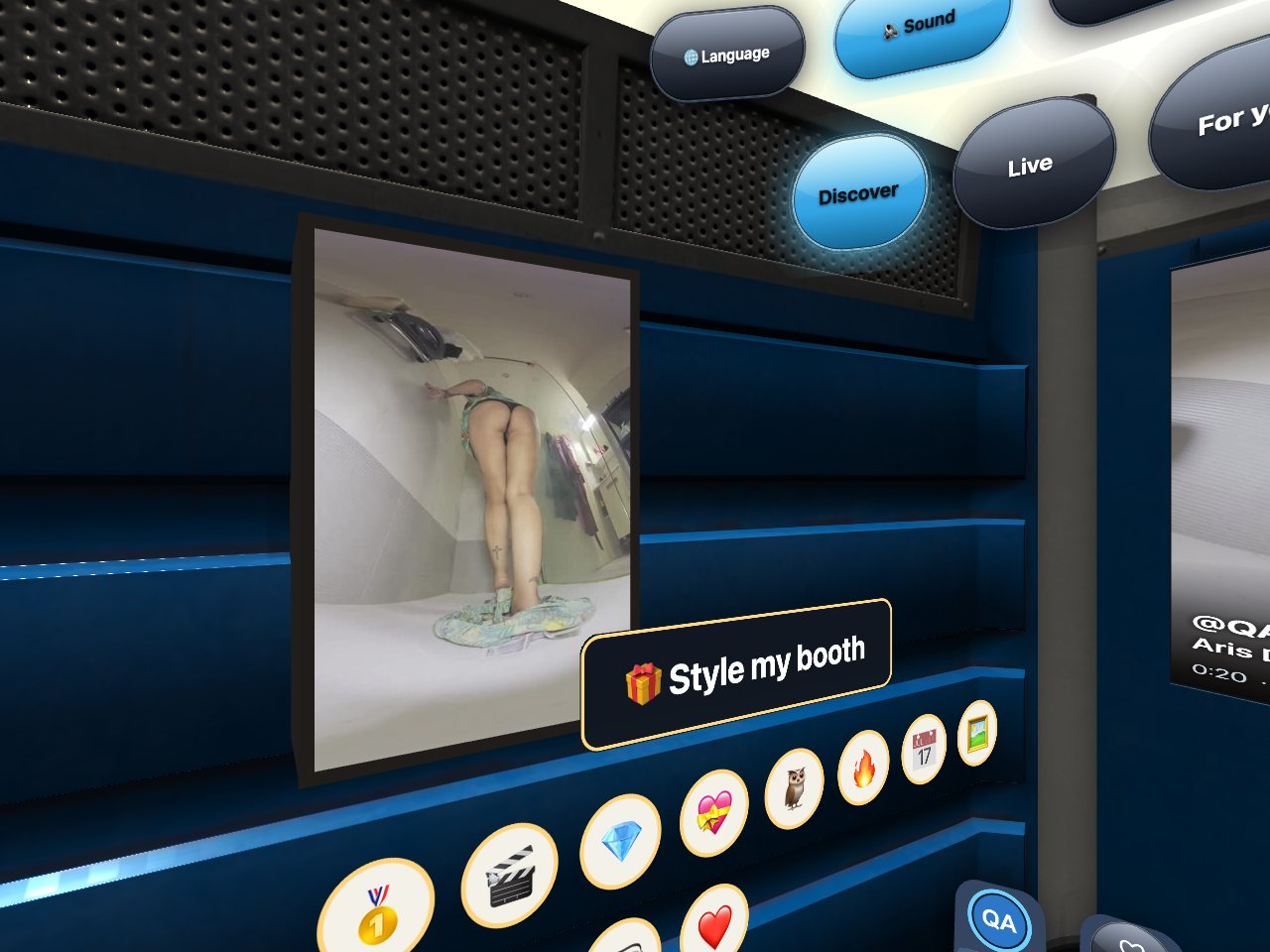
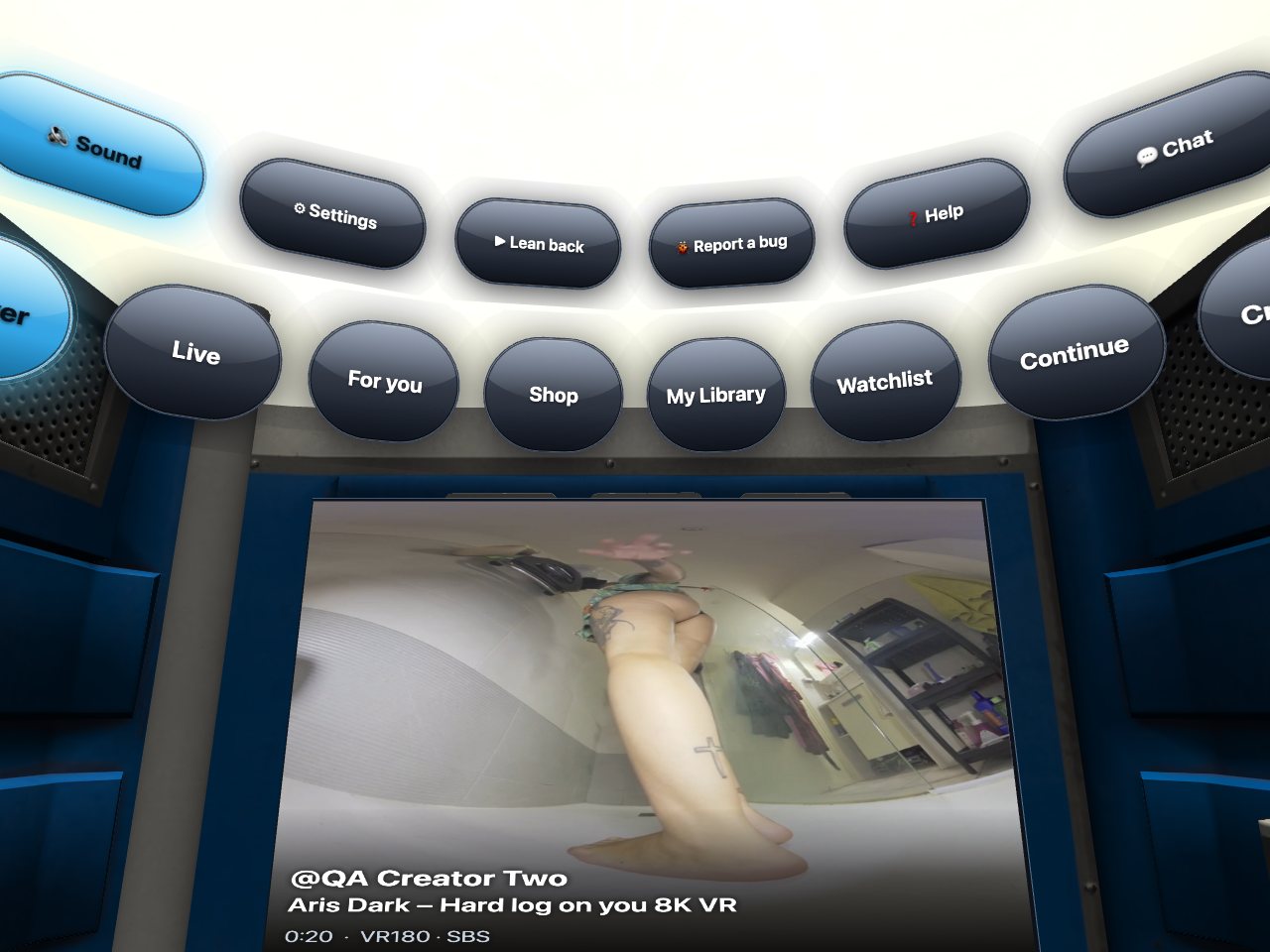
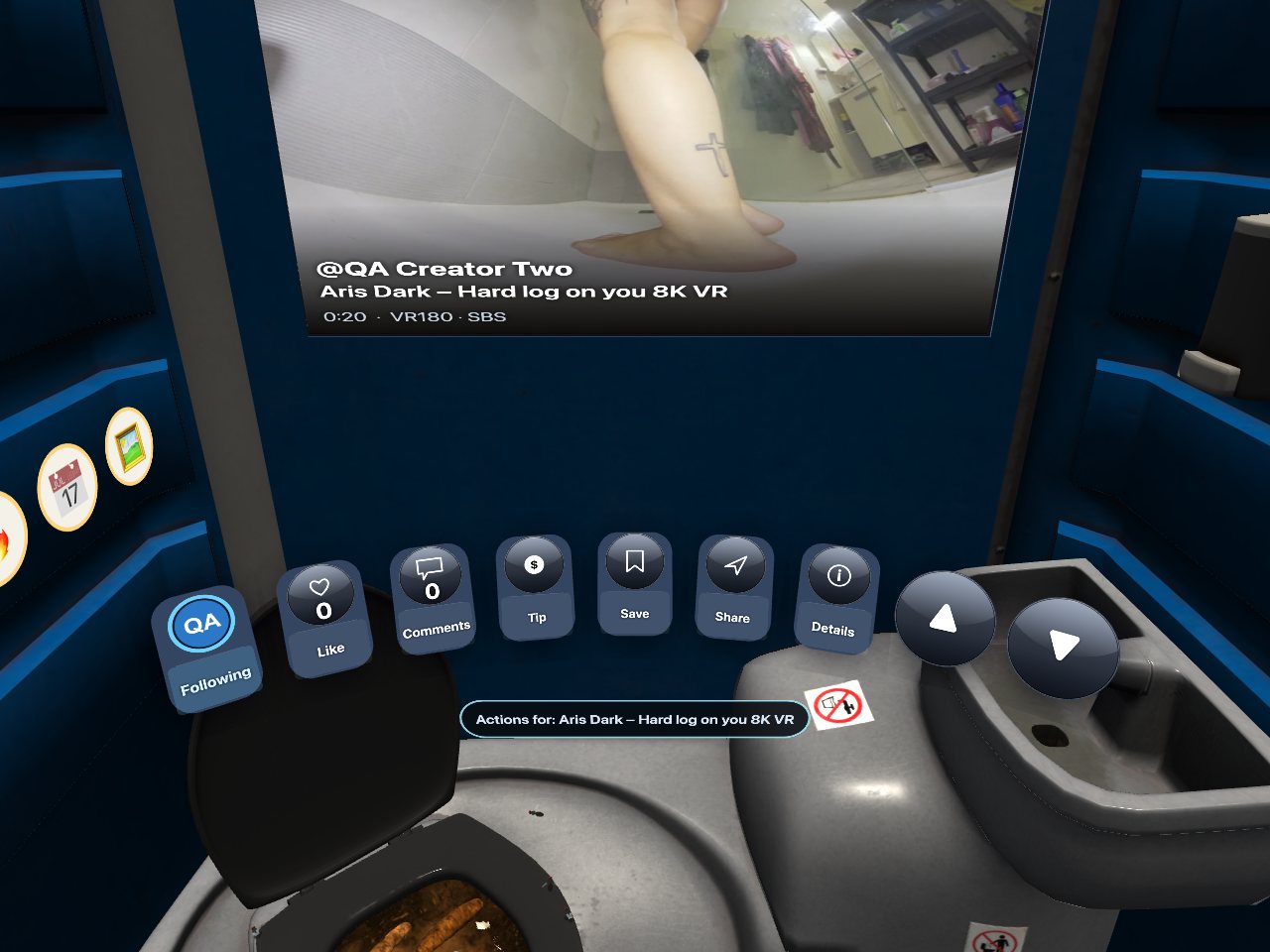
Screen in the middle, tabs above it, the action bar below, your wall to the side. Clip pictures are blurred in these screenshots on purpose.

The tab row above the screen.

Above the screen

The tabs

Discover, Live, For you, Shop, My Library, Watchlist, Continue, Creators — and for creators a Drafts tab nobody else sees. Each tab is a row of cards; the middle card plays its trailer on the screen.

The action bar under the screen.

Under the screen

The action bar

Follow, Like, Comments, Tip, Save, Share, Details — and the big one: Watch in VR, which opens the dome. Share puts a short link on your phone.

The wall of the cabin with creator posters and badge stickers.

To the side

Your wall

Pin creators and their posters hang here; point at one to jump to their page. Below them: the badges you have earned as stickers, and the things you bought in "Style my booth".

Watching and buying

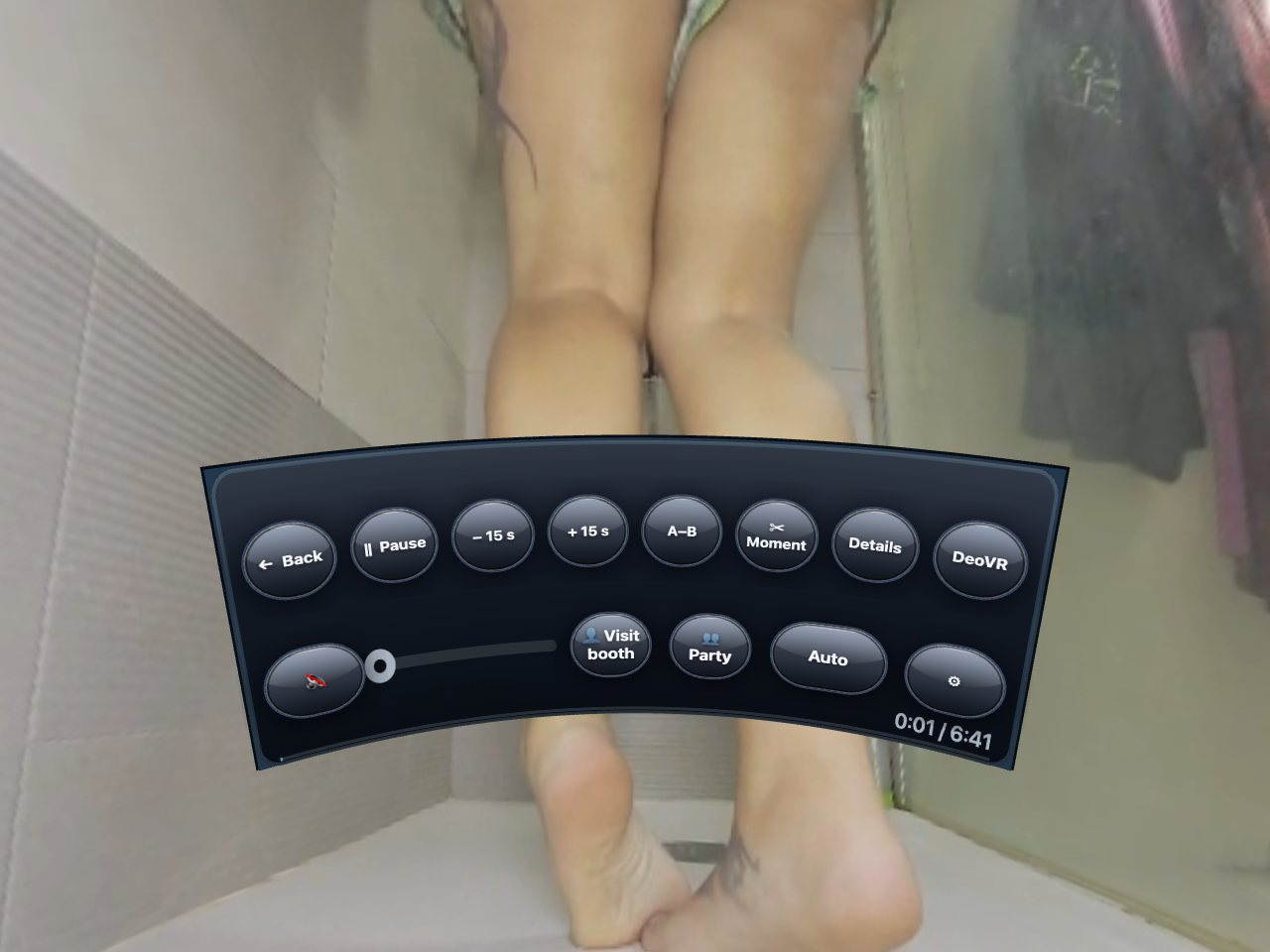
Watch in VR opens the dome: the clip wraps around you in real 3D. The bar under it is the whole player.

The dome control bar.

The dome bar

Back · Pause · ±15 s · A–B · Moment · Details · DeoVR

Quality follows your connection on its own; press Quality to pin 8K, 6K or 4K. A–B loops a stretch, Moment takes a piece of the clip with you as a short link, Details shows the creator and the format.

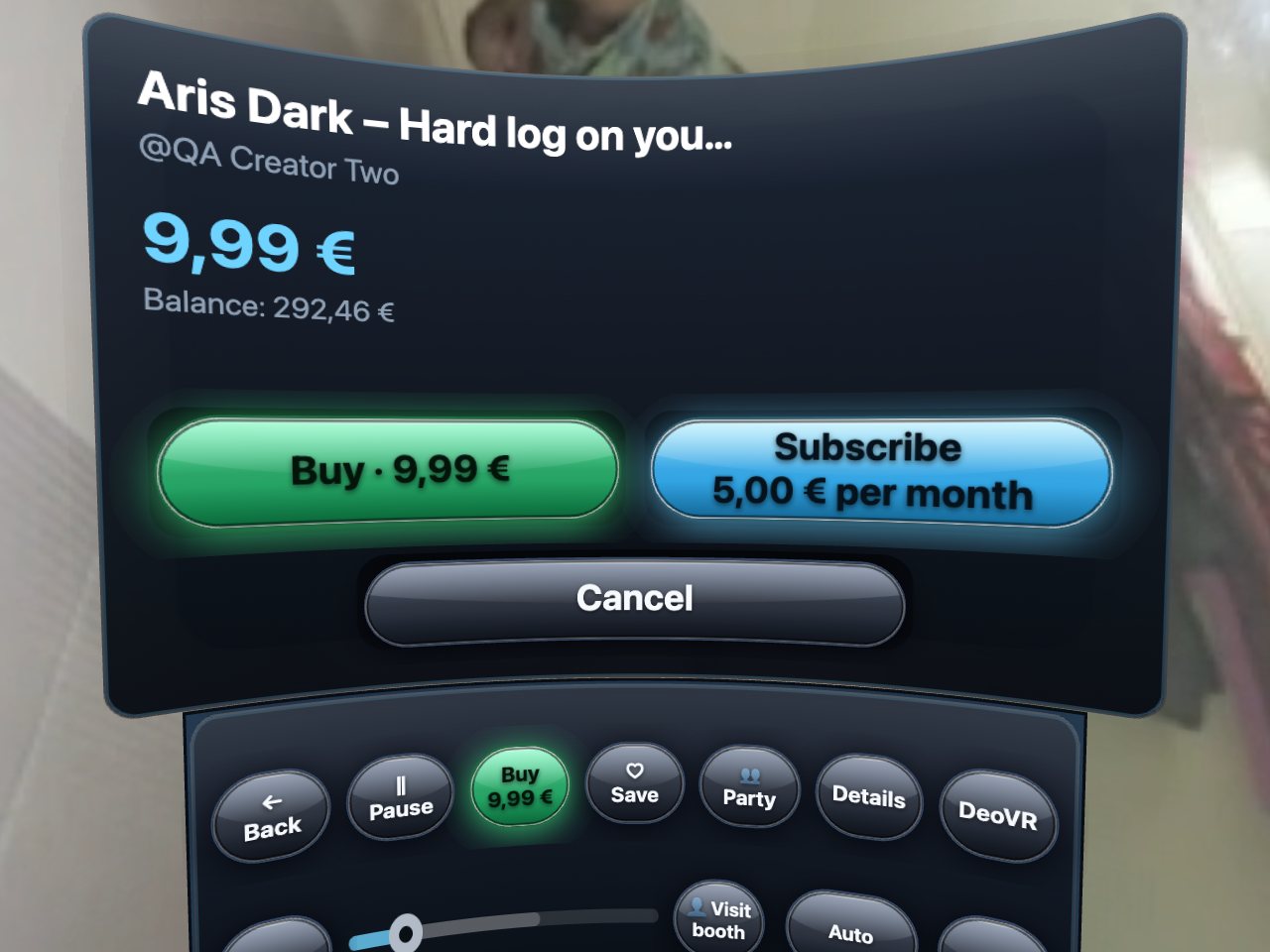
The buy dialog with price, balance and the Buy button.

Buying

Price, your balance, one green button

The free teaser always plays. Press the price and you see what it costs and what you have; a second press buys, the full clip starts in the same dome. Not enough balance? Top up with a card right there — the wallet is the same one as on the site.

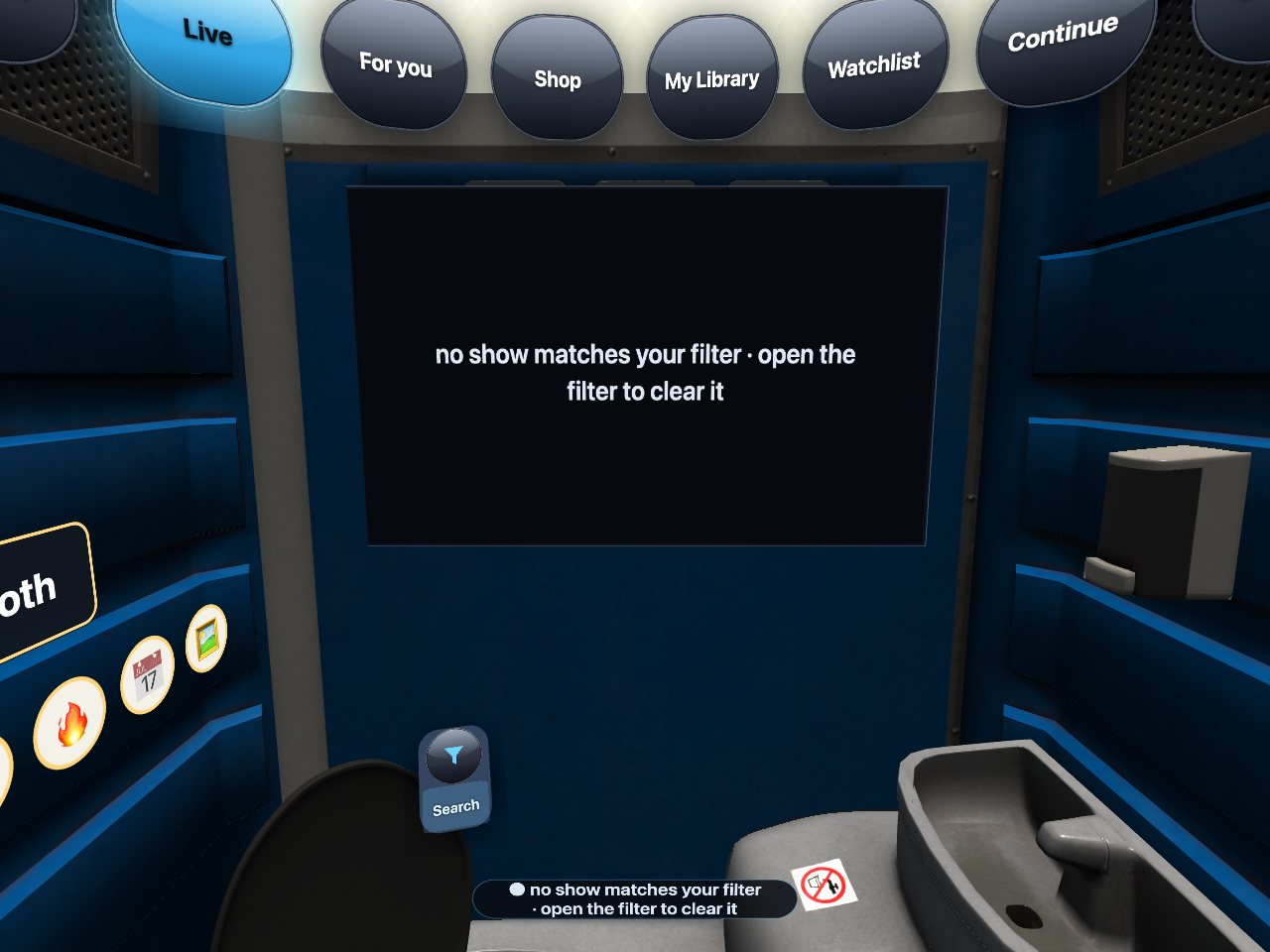
The Live tab.

Live

Live shows in the dome

VR180 streams play wrapped around you, flat streams on the screen. Chat, tips, goals and the tip effects — hearts, fireworks, the room shaking — all happen in the room with you.

Live streams in the hub →

Together

A headset is a solitary thing. These are the parts of the hub that are not.

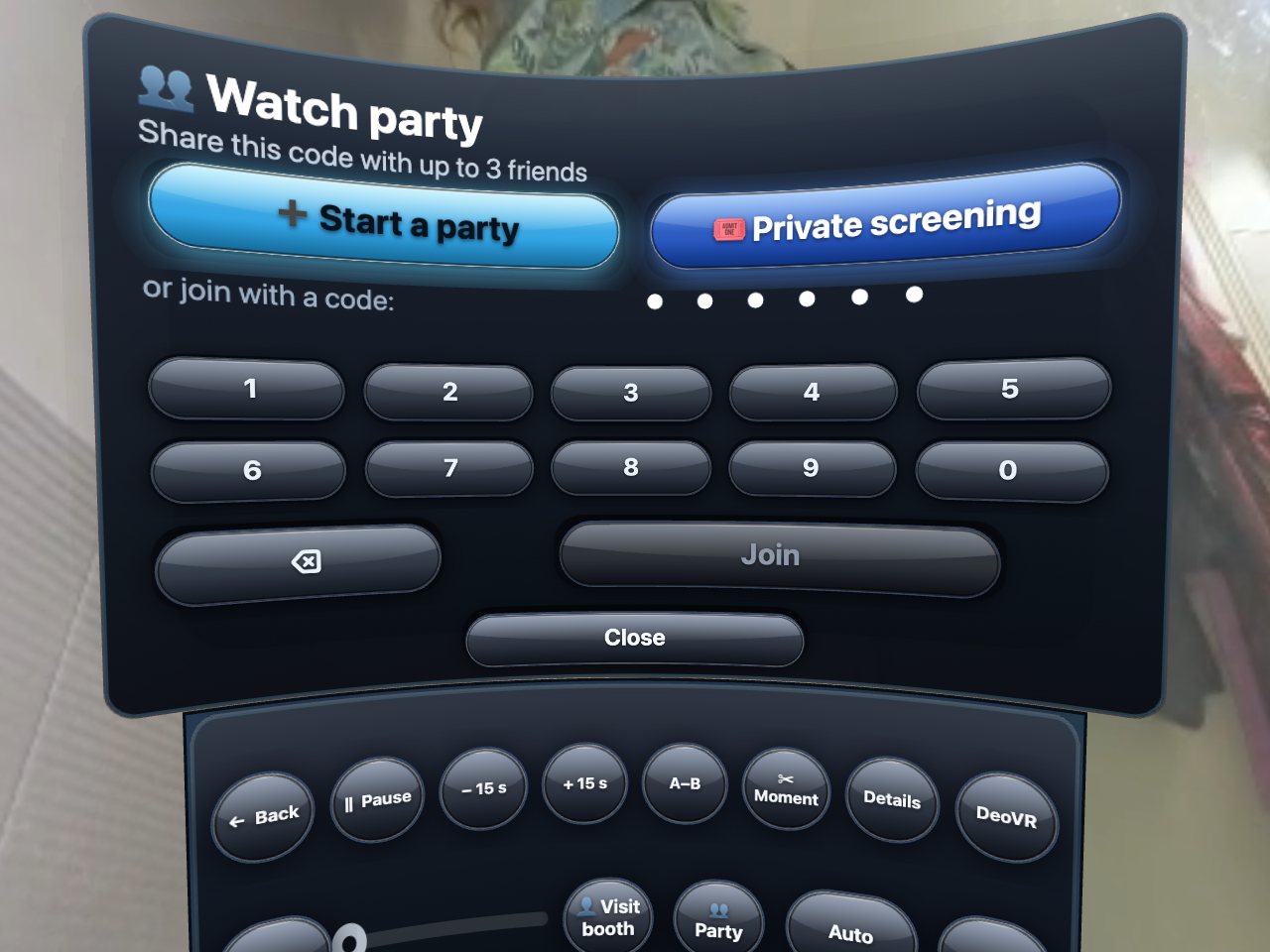
The watch party dialog.

Watch party

The same clip, at the same second

Start a party and share the 6-digit code; whoever types it in sees the same clip in sync with you, pause and seek included. Everybody pays for their own copy — the party shares the moment, not the file.

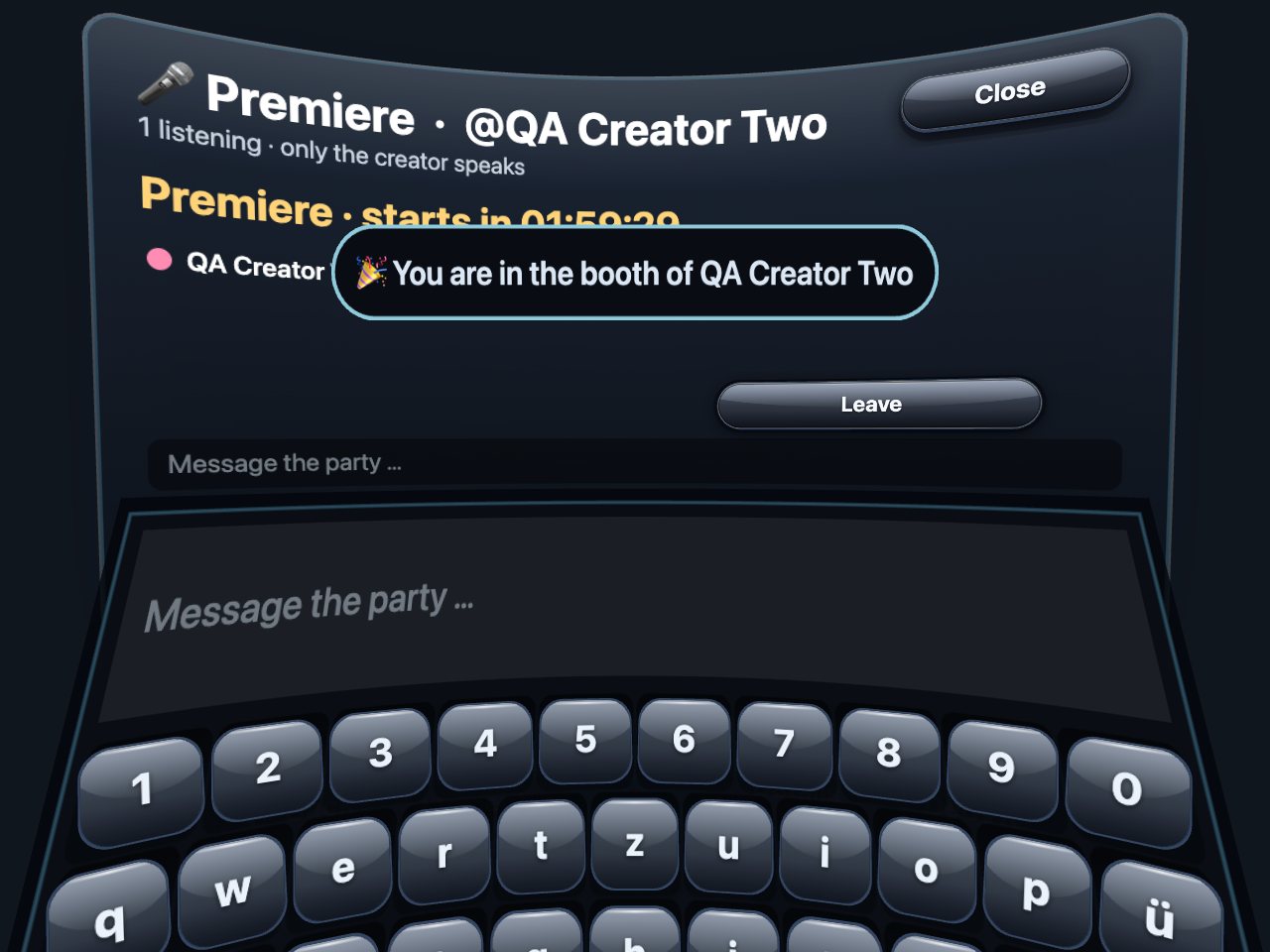
The premiere dialog with countdown.

Premieres

A countdown, and the creator's voice

A new clip can premiere at a set time. Everyone who is there starts together, and the creator can talk to the room through their microphone while it plays.

Chat

Messages from creators, right in the hub

Your chats are a chip in the room: read, reply on the VR keyboard, open the clips and pictures a creator sent you, unlock paid attachments. Creators see a small VR badge on fans who were last here in a headset.

Chat in the hub →

Make it yours

The cabin is a room, and rooms get decorated.

Style my booth

Frames, lights, a neon sign with your text

Try anything on for fifteen seconds first. Themes, poster frames, light colours, a neon sign, door posters of your own clips, fan stickers and posters of your creators — or the Hub Pass that unlocks everything for a month.

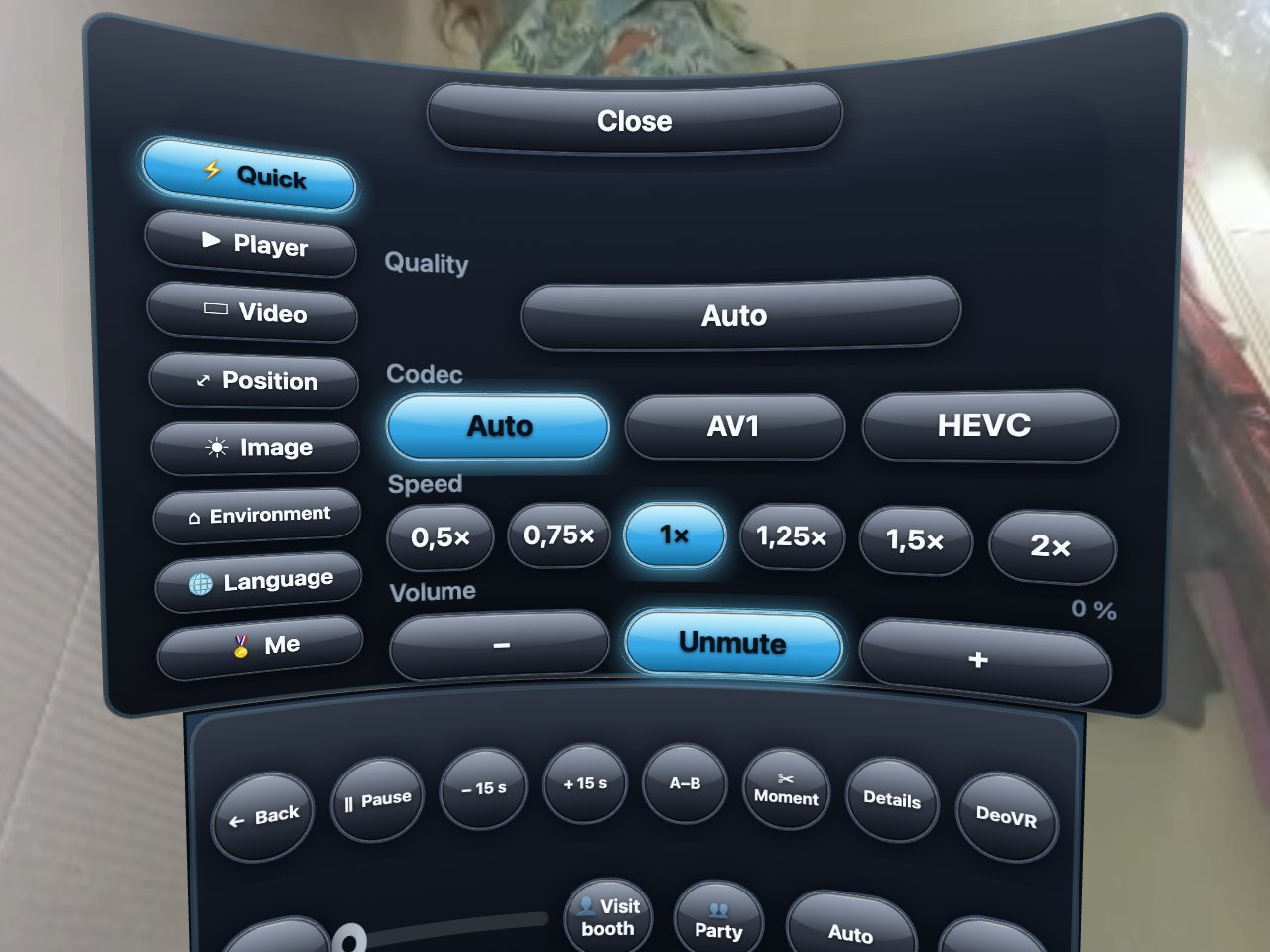
The settings dialog.

Settings

Player, position, picture, environment, language

Screen distance and height, the dome size, brightness, the room itself, your language — and Lean back, which plays trailers through on its own while you do nothing at all.

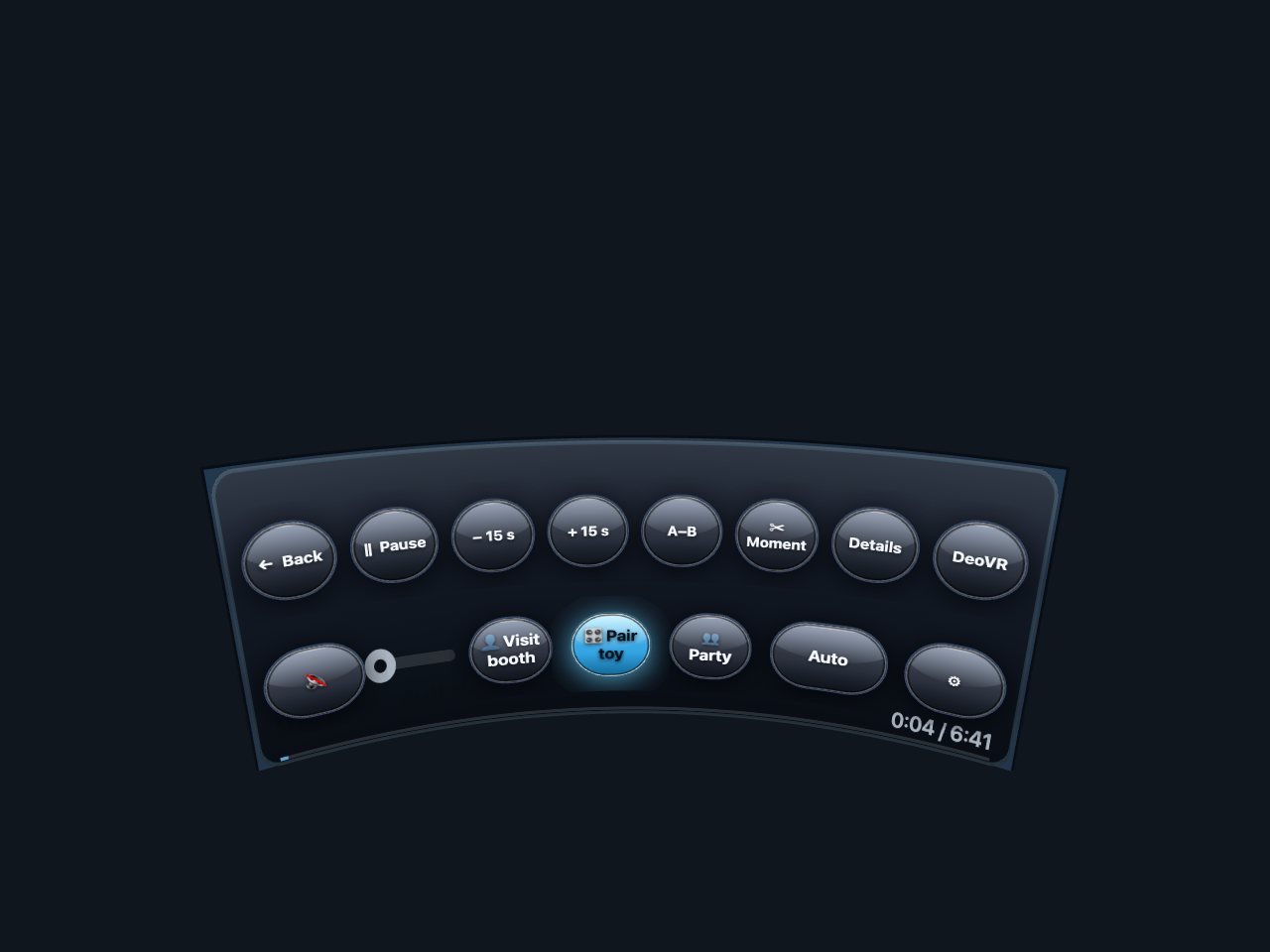
The Toy button in the dome bar.

Toy

Pair a Lovense toy once

Scan the QR code on the pairing page with your phone; from then on the Toy button in the dome follows the clip and the live tips.

Help, in the room

The ? chip and the test list

The help chip opens this guide inside the headset. Something off — a black dome, no sound, a stuck button? The guide's last section lists the fixes, and the 🧪 Test chip lets you report what you saw with two presses.

If something is off →
Does it cost anything to look around?

No. The room, every trailer and every teaser are free. You pay only when you press a price twice.

Which headset is best?

A Meta Quest 3 is the easiest: it plays our 8K rung directly in the browser. PC-VR headsets work too — the free DeoVR player gives you the full 8K there.

I bought on the site — do I see it here?

Yes. My Library in the hub is the same library; everything you own plays in the dome, VR and 2D alike.

The dome is black or the sound is missing.

Press Back and Watch in VR again; if the quality was pinned to 8K on a slow line, set it to Auto. The help centre lists every known fix.

Creators: the hub shows your drafts to you alone, so you can check a clip in the headset before anyone pays for it.

Discover